In this guide
- This price reversal has happened before
- Builders and individual buyers do not fill the same cart
- Comparisons show why both options deserve a look
- Compare more than the CPU and graphics card
- Savings can hide in the details
- A good CPU can be held back by its desktop
- Check whether parts can be replaced
- Included assembly still calls for checks on arrival
- Choose the best machine at its complete price
The advice has been around for years: buy the parts, assemble the desktop and save the assembly fee. In 2026, reaching for a calculator can bring a surprise. Some ready-built PCs cost less than buying comparable components, with the assembly already done.
For someone who has always built their own machines, this means changing a habit. A good prebuilt offer now deserves a place in the comparison even if you know exactly how to install a CPU and manage cables.
Price does not settle everything, though. A recognizable graphics card can sit alongside a poorly documented power supply, a single memory module or a case that is difficult to upgrade. Here is how to assess the price without overlooking what is inside.
This price reversal has happened before
In January 2018, during pressure on graphics cards and memory, Tom’s Hardware compared system integrators’ PCs with parts lists. Several complete machines matched or beat the chosen components’ total. The integrators’ shipping charges still had to be added, which mattered for close results. Tom’s Hardware comparison, January 26, 2018
The 2021 shortage also pushed experienced builders toward complete systems to get a graphics card. Windows Central devoted an article to that year of prebuilts. Windows Central’s December 29, 2021 retrospective
Calling this a historical first would therefore be an exaggeration. What matters for your purchase is that DIY does not guarantee the lowest price. Compare the offers again using today’s figures.
Builders and individual buyers do not fill the same cart
A manufacturer can negotiate volumes, plan purchases ahead and sell configurations using inventory acquired more cheaply. You pay the retail prices available on the day you order your parts.
These inventory timing differences are real. Framework explains that it held certain prices while using older purchases, then raised them when replenishing components. This also shows why a complete PC’s advantage can disappear when its maker restocks. Framework pricing updates
Promotions on complete machines can shift the result again. A cheaper specification can also hide components that cost less than the ones you would have chosen. Both explanations can apply to the same desktop.
Comparisons show why both options deserve a look
In 2026, Windows Central covered an iBuyPower RDY Element 9 Pro R07 with a Ryzen 7 7800X3D, Radeon RX 9070 XT, 32GB of RAM and a 2TB SSD. It reported savings of more than $200 against comparable parts bought separately. This was a US offer, not a price transferable to delivery in another country. Windows Central’s comparison
Another example is less favorable to the prebuilt but still useful. In its review published June 8, 2026, Gamers Nexus compared a CyberPower with a Ryzen 7 9800X3D and RTX 5080 against buying the parts. Prices had been collected before March 2026.
| Option in this US comparison | Amount |
|---|---|
| Prebuilt compared by Gamers Nexus | $3,259 |
| Corresponding parts list | $3,159 |
| Prebuilt premium | $100, or about 3% |
The parts total above is derived from the published price and premium. These historical observations illustrate a comparison; they are not offers available today. Gamers Nexus review and price comparison

In the first case, the complete PC was cheaper. In the second, assembly represented only a small premium. Neither result establishes a rule for every prebuilt.
Compare more than the CPU and graphics card
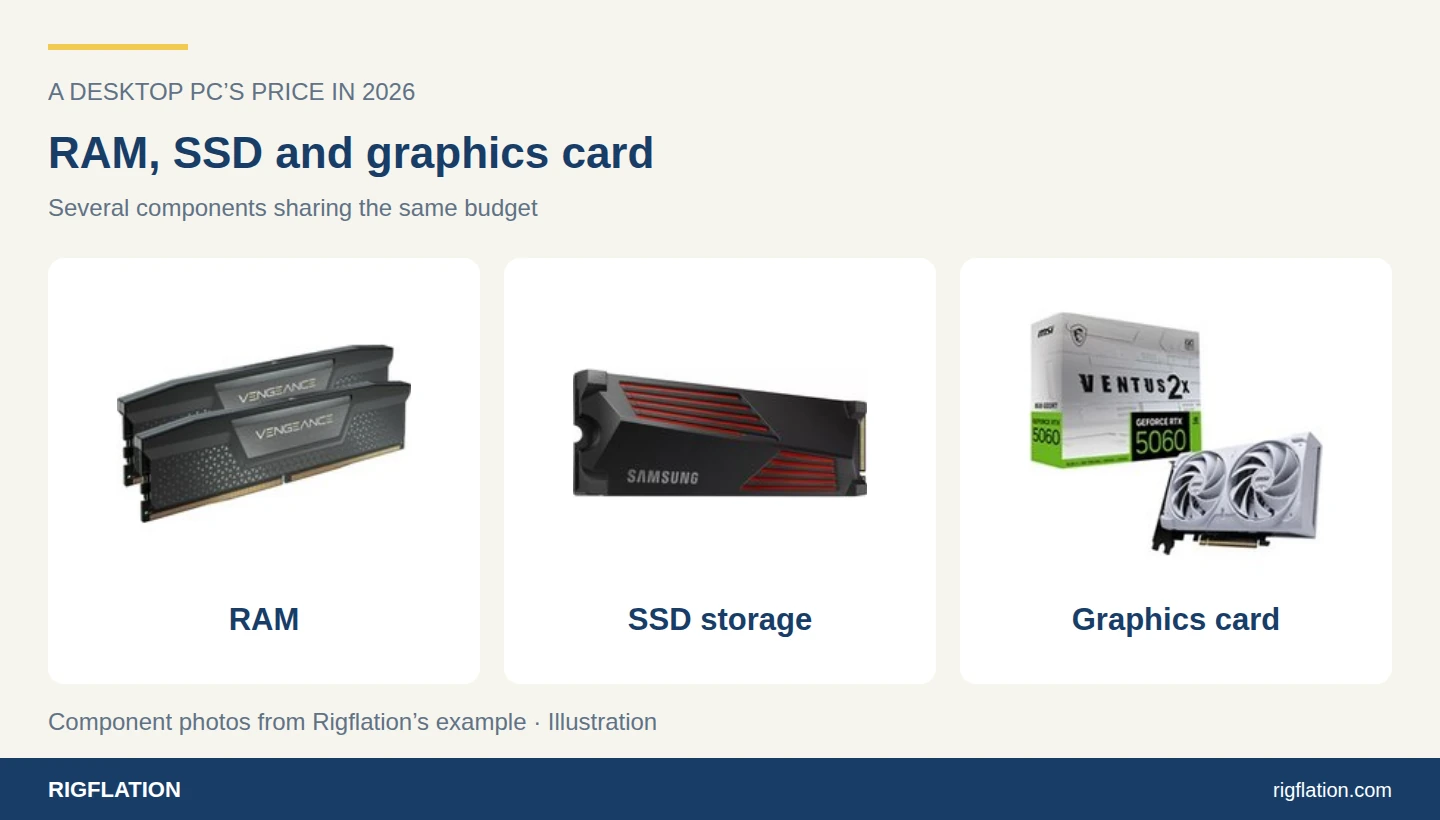
A quote saying “Ryzen 7, RTX, 32GB, 1TB SSD” is incomplete. A CPU’s price depends on its exact model. A graphics card can have different memory capacities. Two SSDs of the same capacity can target different uses.
To recreate a fair parts list, collect the following details:
| Item | Information to obtain |
|---|---|
| CPU | Full model name and included cooling |
| Graphics card | Exact model and video memory capacity |
| RAM | Capacity, module count, generation and speed |
| Motherboard | Model, form factor, connections and available slots |
| SSD | Model and capacity |
| Power supply | Brand, model, wattage and connectors |
| Case | Dimensions, ventilation and room for future parts |
| Services | Operating system if included, assembly and support terms |
If the seller omits a model, ask. Replacing an unknown item with a premium component in your DIY list would artificially make the prebuilt look cheaper. Always choosing the cheapest possible parts can distort the comparison too.
Add shipping on both sides. Include an operating system license only if you need one and it is not already included. Check the configurator’s selected options as well: a larger SSD or different power supply can change the result.
Savings can hide in the details
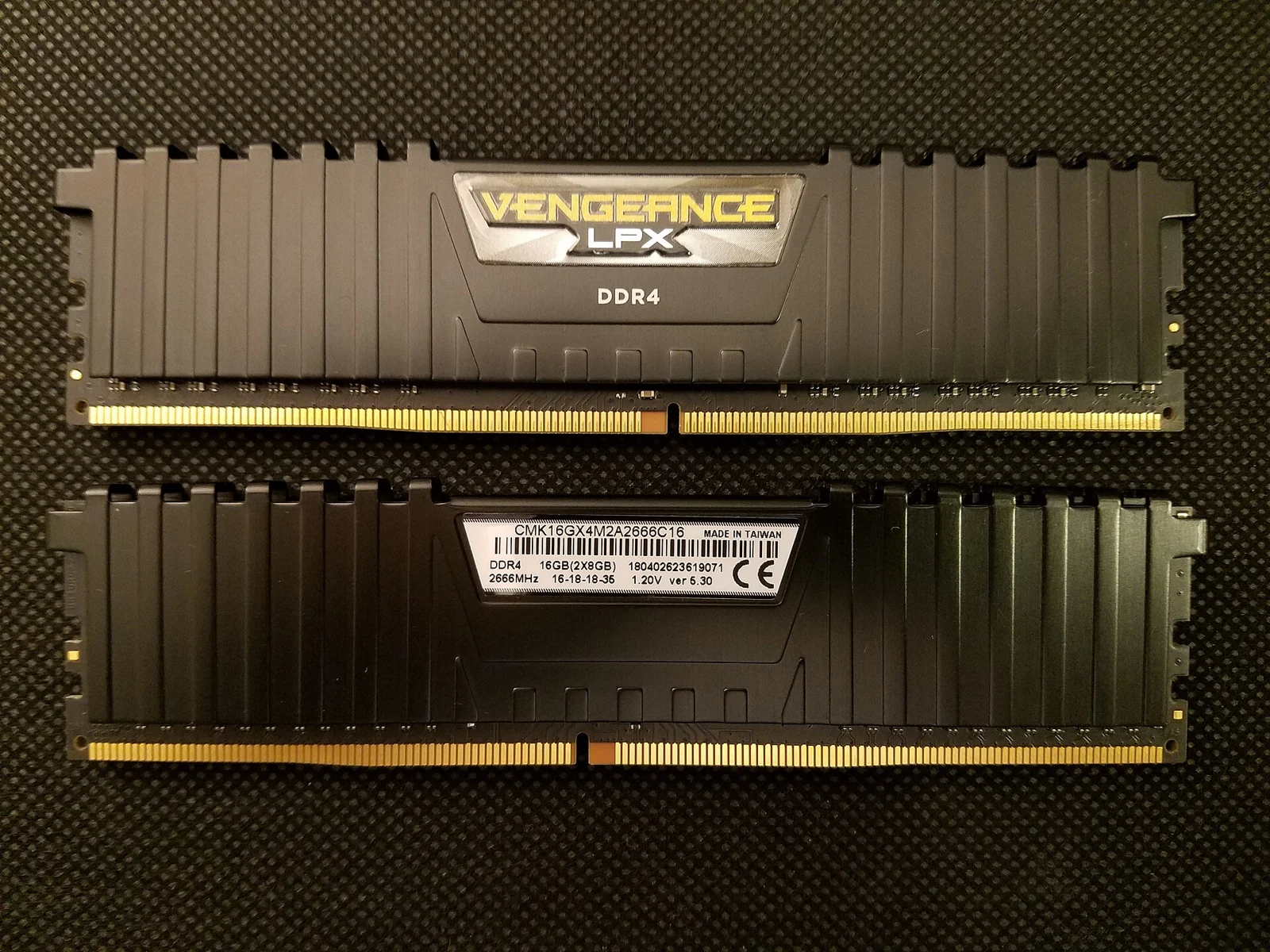
Start with RAM. “32GB” does not tell you how many modules are installed or how they are configured. That matters for performance and future additions. An SSD needs similar attention: capacity alone does not describe the whole product.
In r/buildapc’s September 26, 2026 questions thread, one participant is surprised to find discounted prebuilts cheaper than their own cart. Replies discuss vague specifications and compromises on the remaining components. This provides questions to ask a seller, without proving that every desktop has these problems. r/buildapc discussion
A power supply listed only by wattage deserves a request for details. You need its model, available connectors and what GPU upgrades it will support. The wattage figure cannot answer all of that.
A good CPU can be held back by its desktop
Cooling and manufacturer-set limits can change how a machine behaves. The CPU name alone does not guarantee results from a review conducted in a different case.
Gamers Nexus recorded sharply reduced clock speeds on the ASUS G22CH-DH978 in its January 2025 review. The model also used a proprietary motherboard, case and cooling. This illustrates why a review of the exact desktop matters beyond reviews of its two headline components. Gamers Nexus ASUS G22CH review
Look for noise and temperature measurements under load, especially for a small desktop. A PC in the living room or on your desk should remain tolerable during the tasks you bought it for.
Check whether parts can be replaced
A PC using standard components can be maintained and upgraded like a home-built machine. An unusual motherboard format, proprietary connectors or a very restrictive case can make replacements harder.
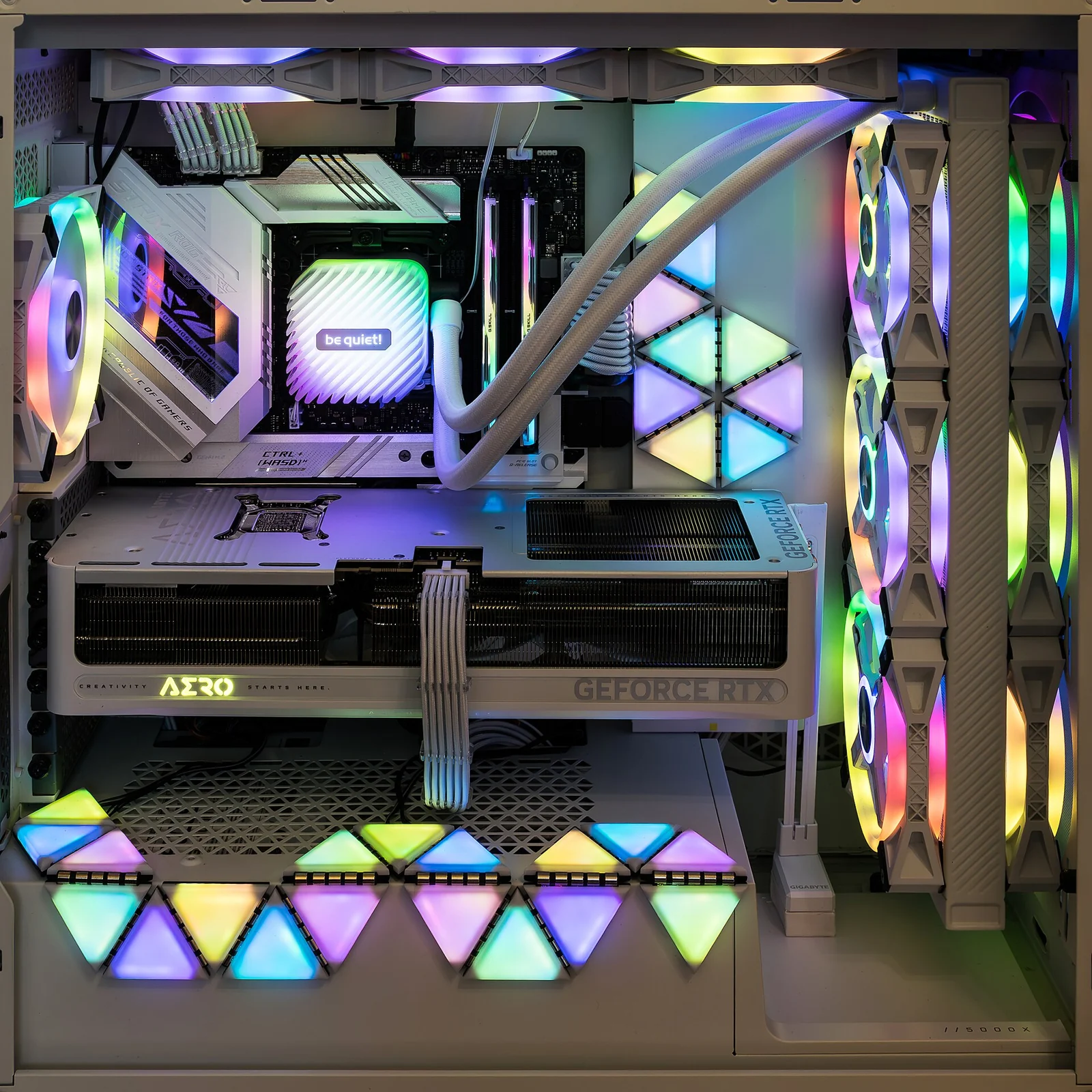
Ask straightforward questions: can you install a standard power supply, add an SSD and replace the graphics card with a longer model? Are all memory slots already occupied? A manual or clear interior photo will help more than a promise that the PC is “upgradeable.”
Examine the specific model. Not every PC from a brand is built the same way, and choices can change between generations.
Included assembly still calls for checks on arrival
The CyberPower mentioned above cost close to DIY, but Gamers Nexus received it with a defective SSD, an improperly seated graphics card and a poorly connected power cable. That is the outcome for the reviewed unit, not a measurement of the brand’s failure rate. Review details

By contrast, the outlet had reviewed the Thermaltake Vista 470M favorably, despite a few minor flaws. Prebuilts can be sensibly specified and assembled. The review of the model matters more than its category. Thermaltake Vista 470M review
On arrival, follow the unpacking instructions, check the models supplied and try your usual workloads promptly. Some sellers ship the graphics card separately for transport: “prebuilt” does not always mean there is absolutely nothing to install.
Choose the best machine at its complete price
A prebuilt becomes attractive when its complete price is competitive, its parts suit you and its limits are acceptable. Included assembly and a single support contact for the system can also save research or troubleshooting time.
DIY keeps its advantage when you want to choose every part, reuse equipment or plan a particular upgrade. Put a value on that advantage, along with the time you want to spend building.
Before paying, place both quotes side by side. Add the replacements you would make immediately to the prebuilt and any costs missing from the DIY cart. The offer that starts cheaper should remain cheaper once the desktop is ready to use.
Also read: our tips for buying a desktop in 2026 and why component prices are rising.